 Türkçe
 Deutsch
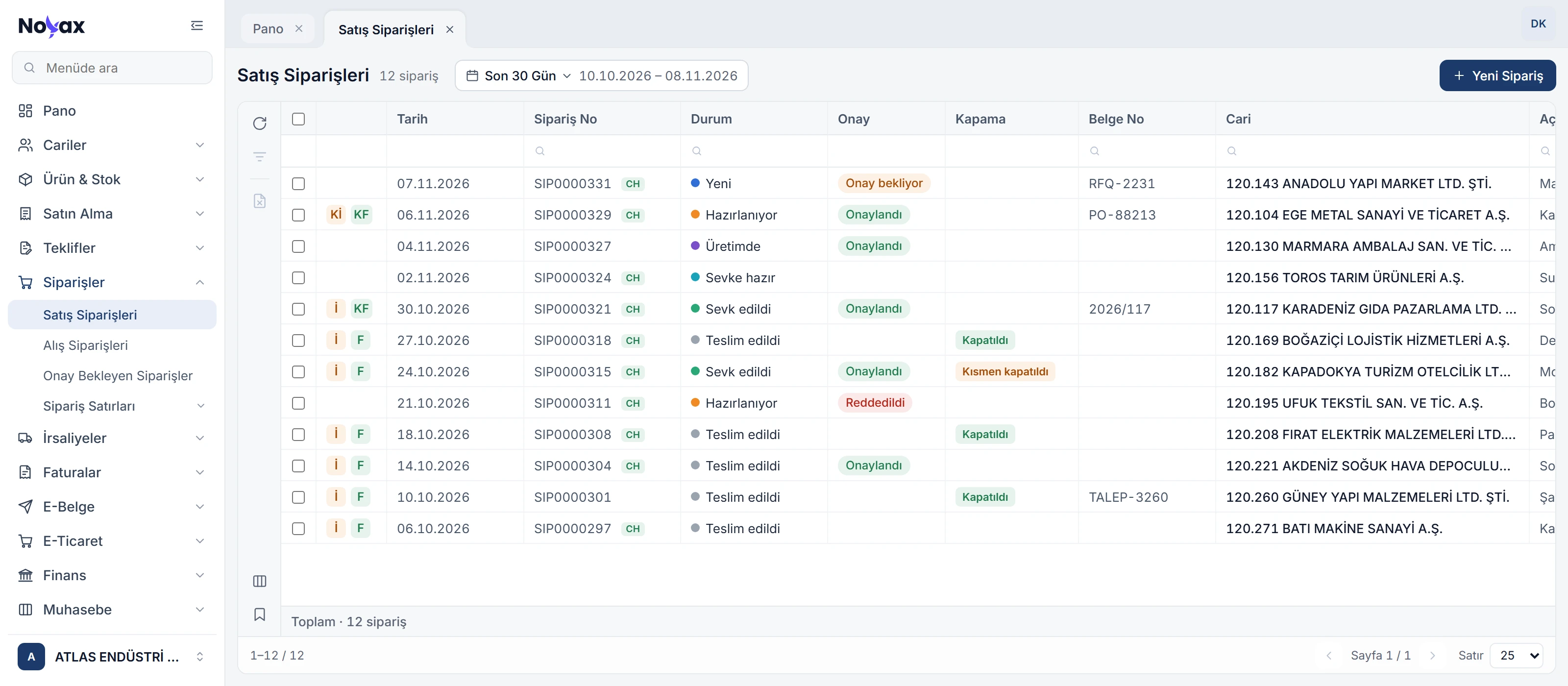
A quote becomes an order, a delivery note or an invoice
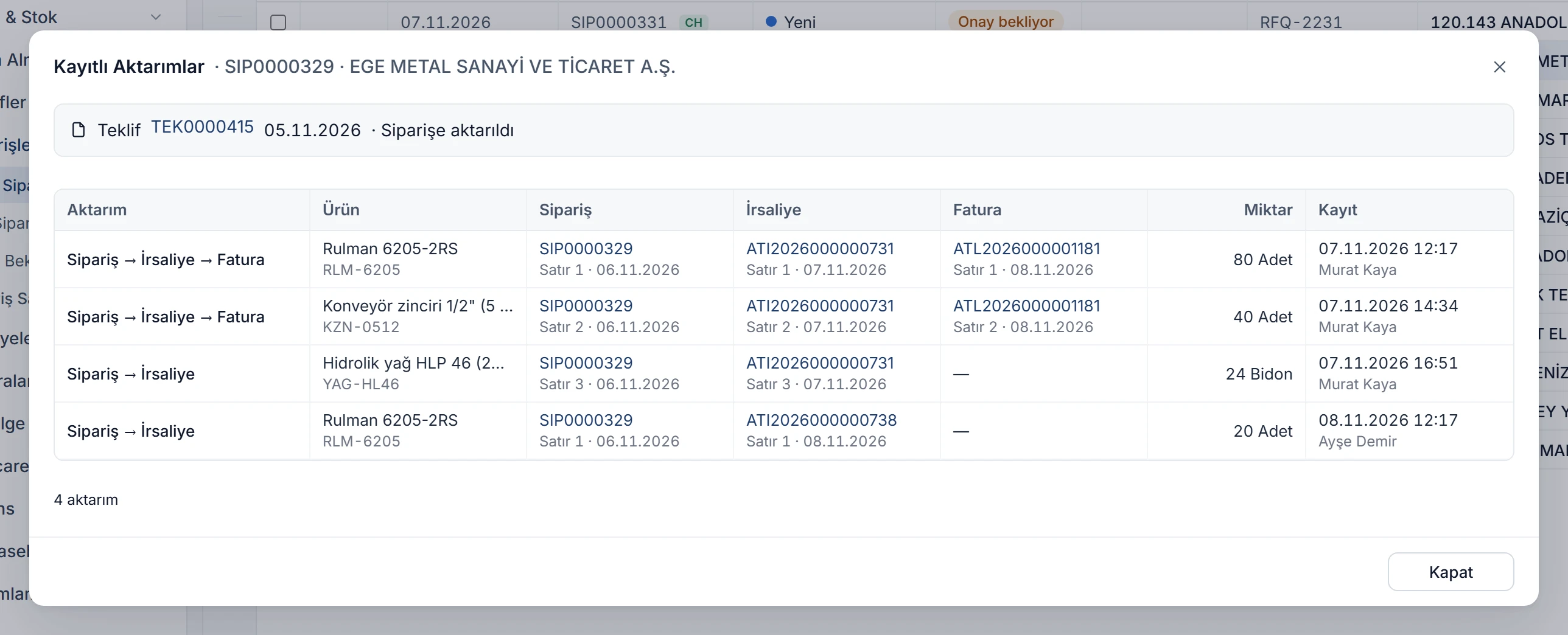
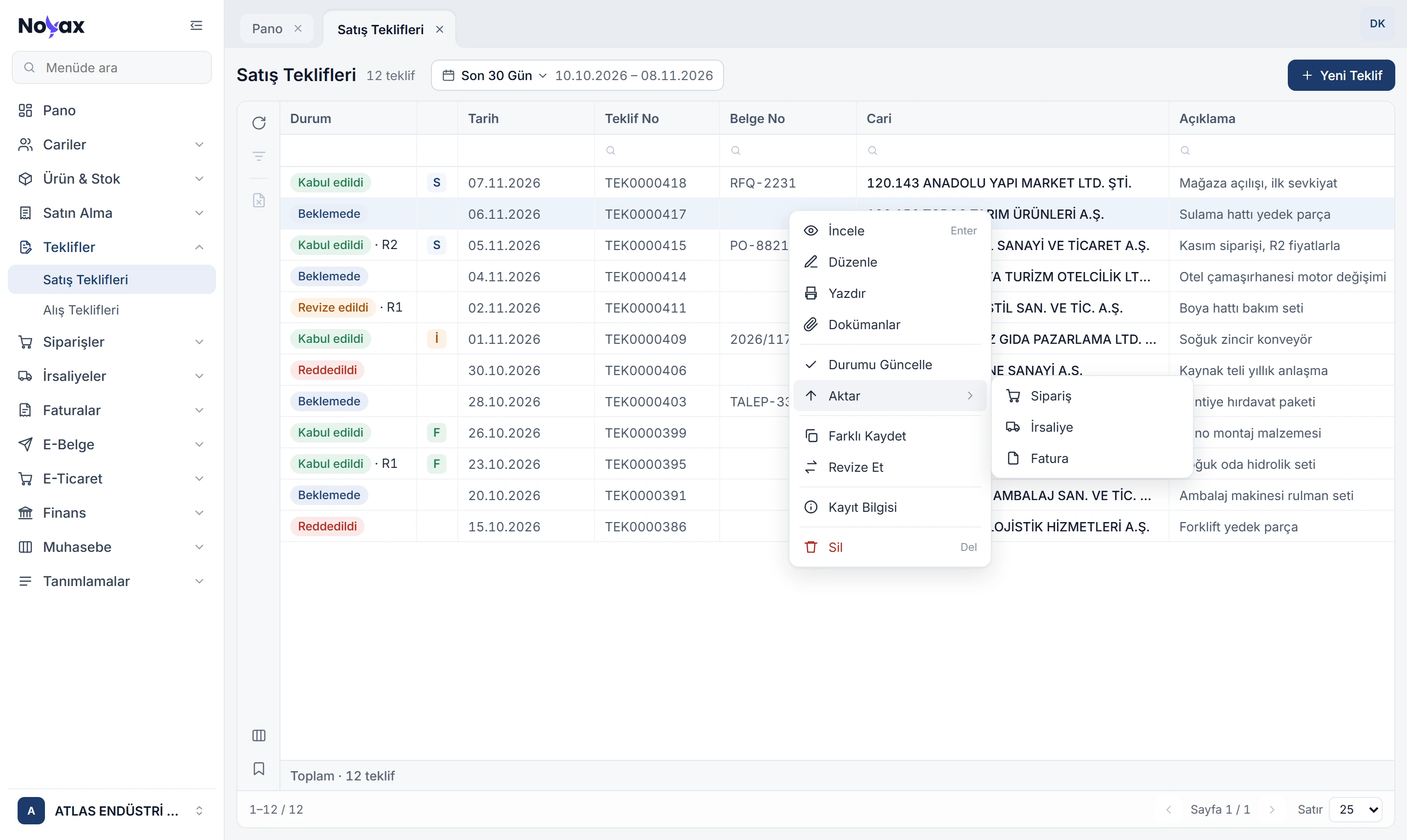
In the quote list, right-click › Transfer turns a quote into an order, a delivery note or an invoice; the new document opens with the quote’s customer, lines, prices and discounts. The last step a quote reached shows as a letter in the list.
- A quote transferred to an order becomes Accepted; a rejected quote cannot be transferred.
- If the customer asks for changes, Revise opens a new version; the old one stays read-only in Revision history.
- Pick a product and the price that fits the customer comes in: customer-specific, group and general, in that order.
 Enlarge image