 Türkçe
 Deutsch
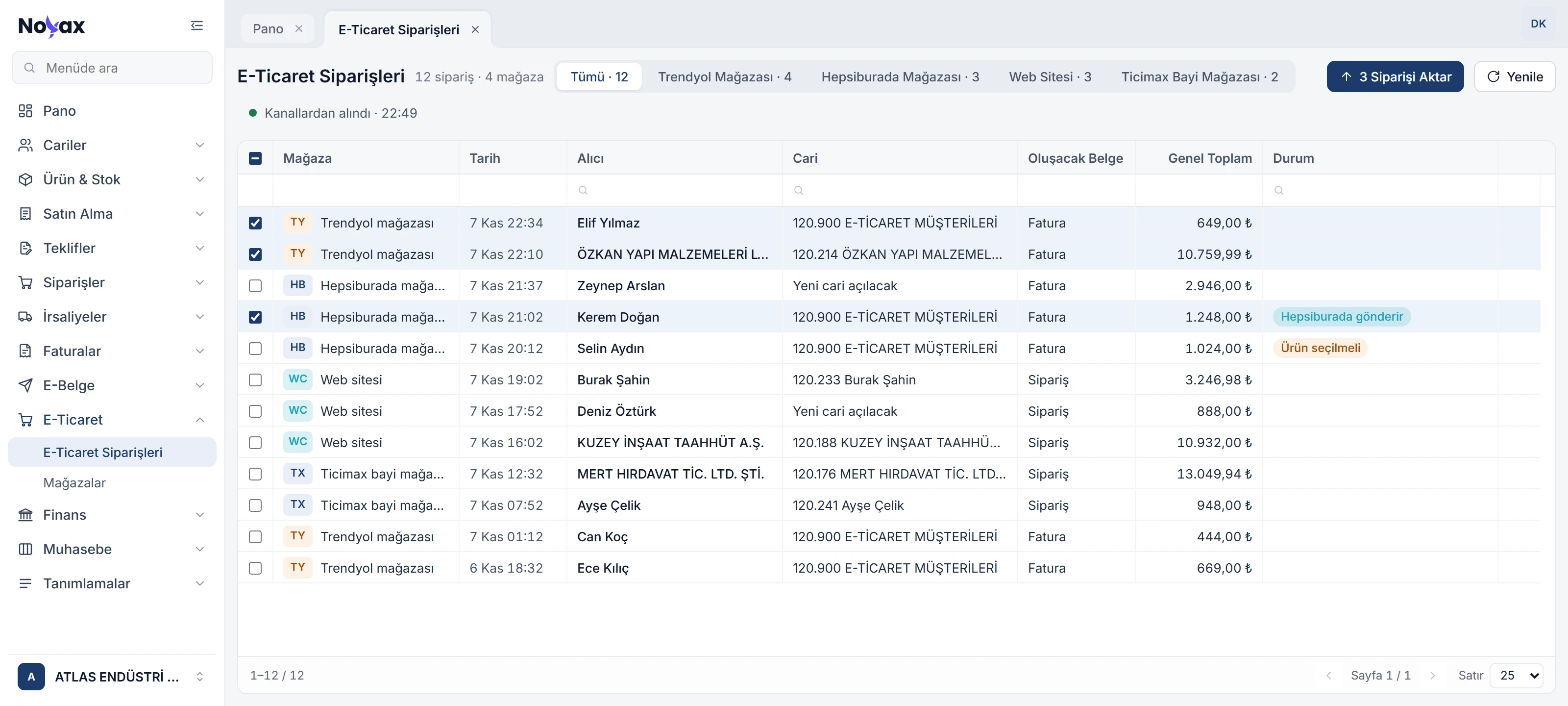












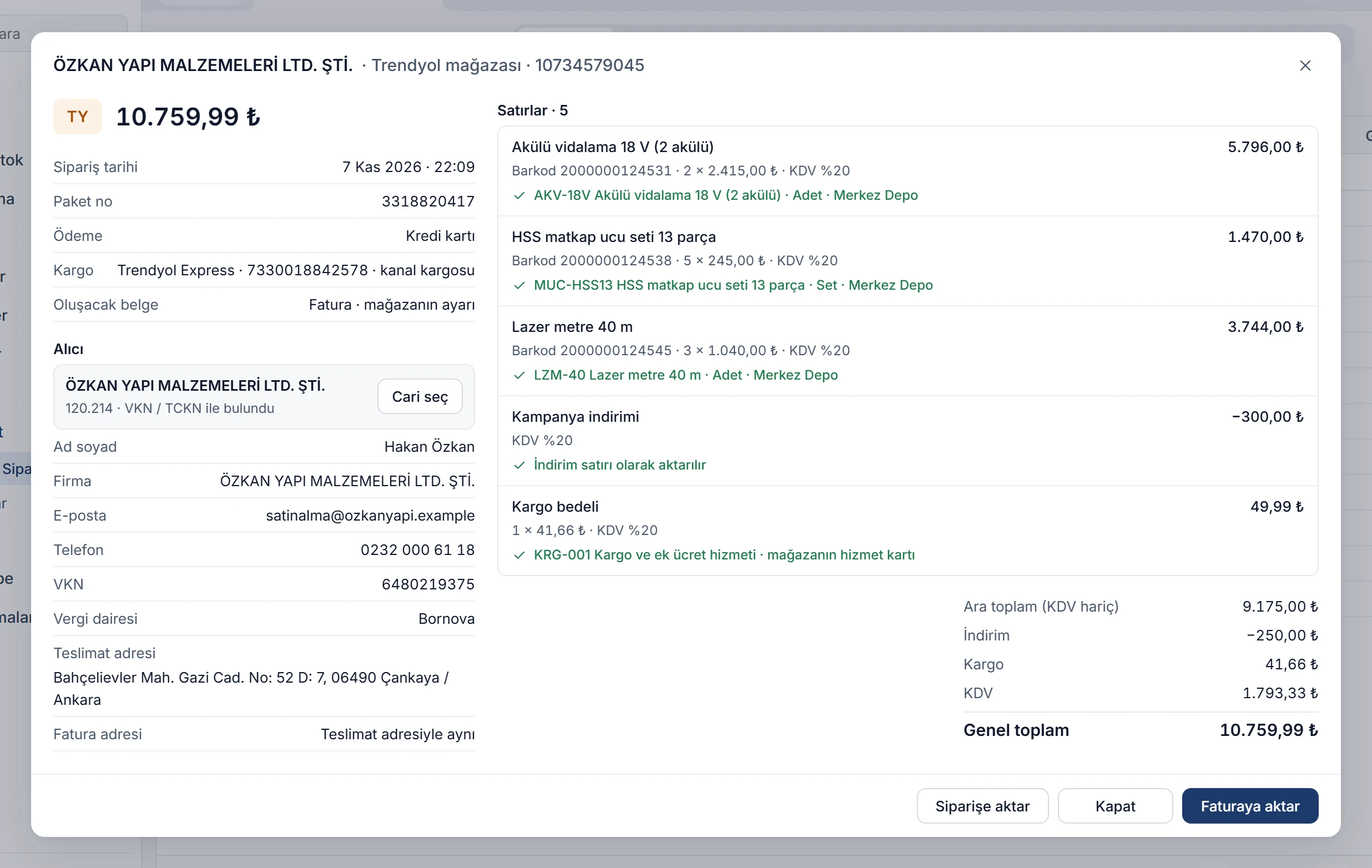
Every detail of an order in one window
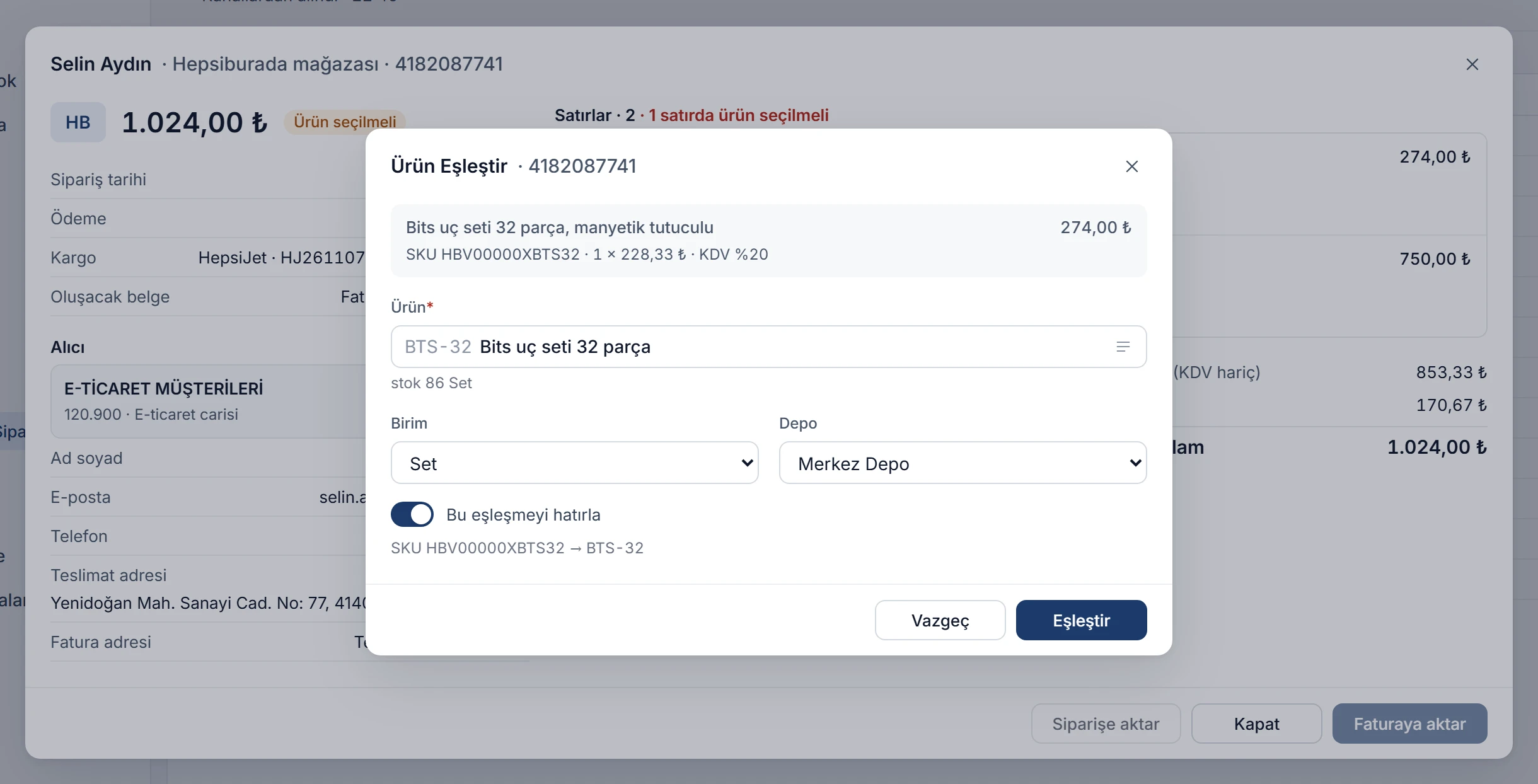
Open an order to see its amount, payment, shipping and buyer on the left, and its lines with the Noyax product behind each one on the right. Campaign discounts and shipping fees move to the invoice as lines of their own.
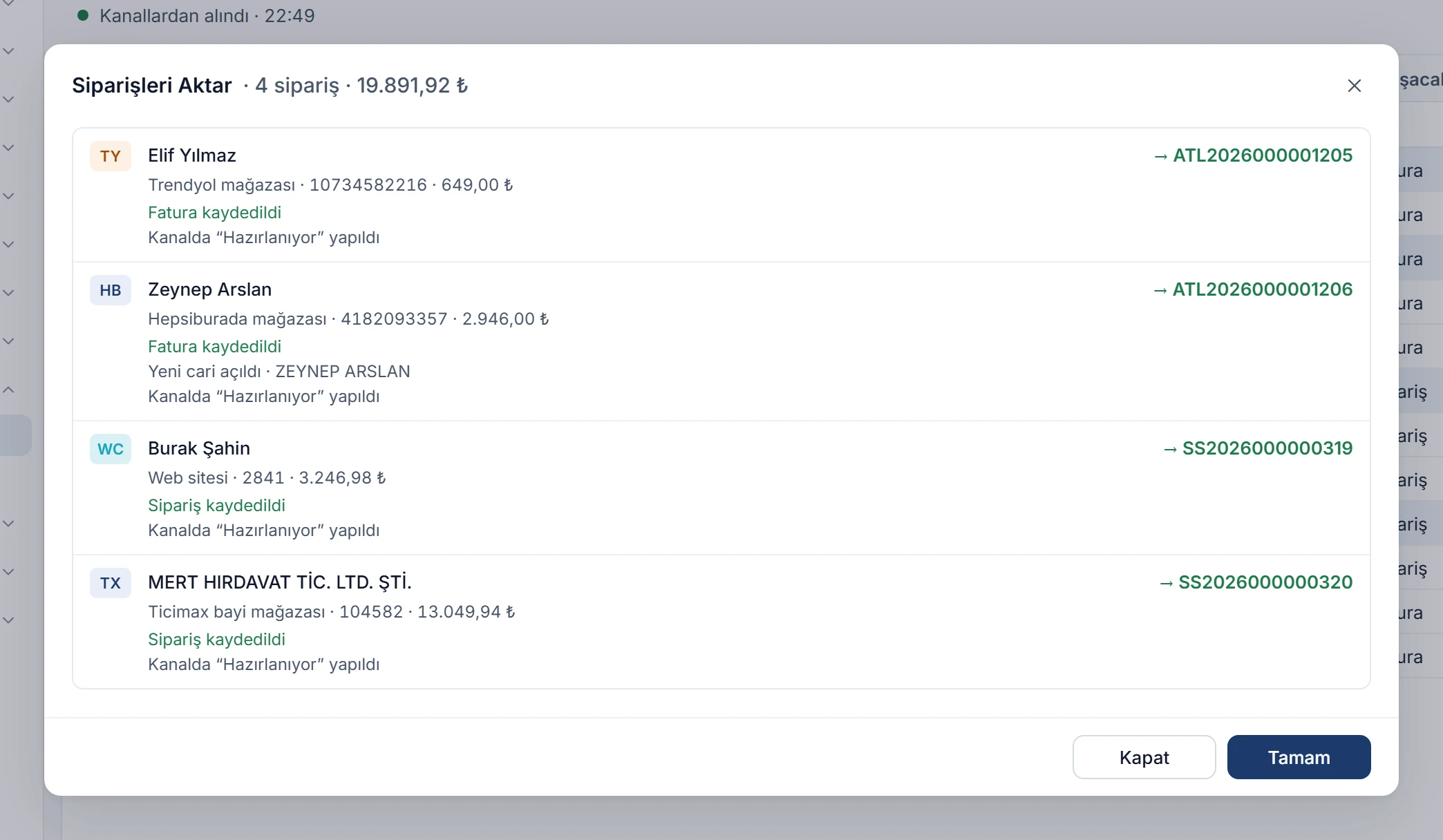
- The customer is found by the buyer’s tax or ID number or by e-mail; if none is found, a new customer is created.
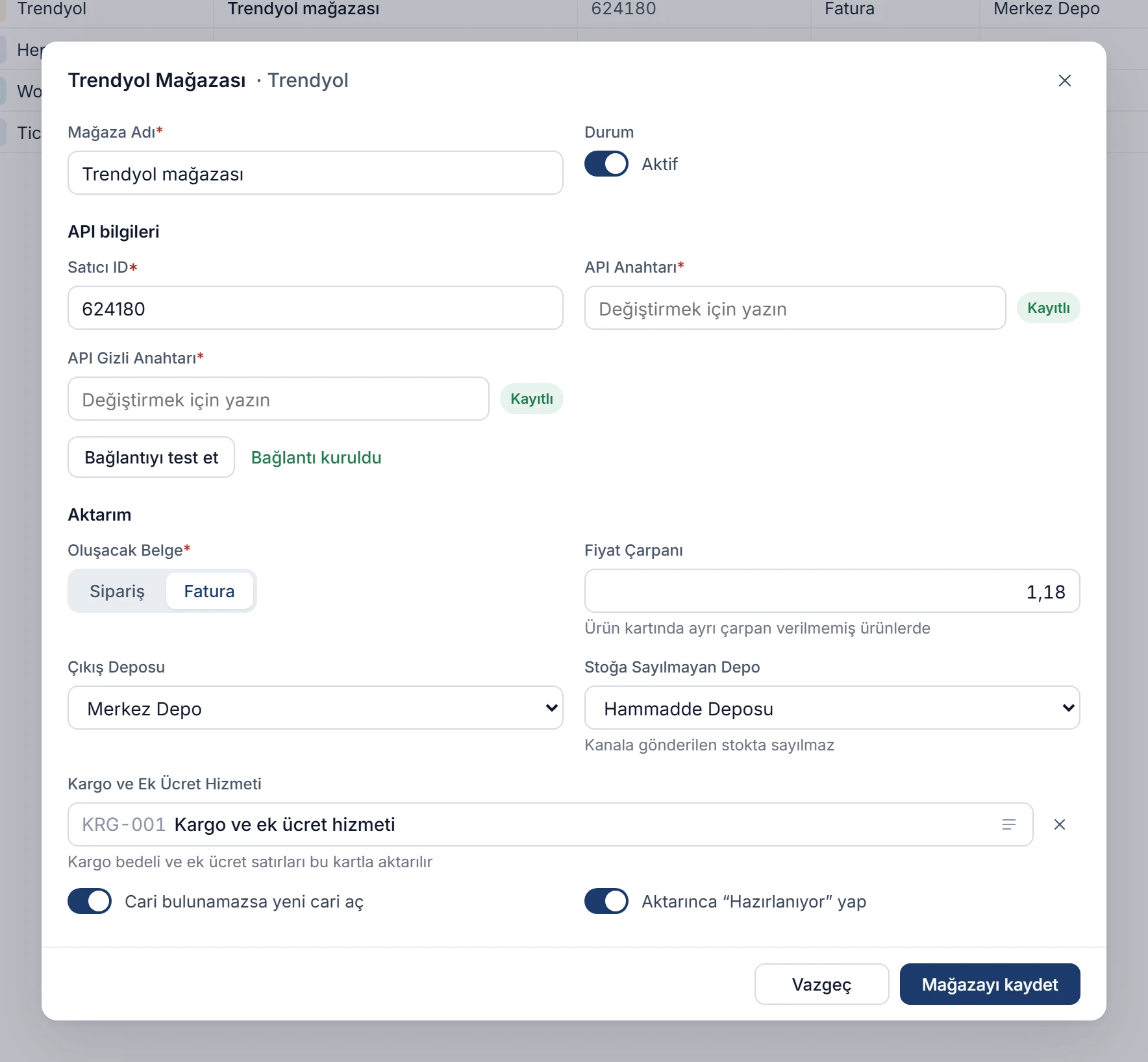
- Buyers without a real tax number are posted to the e-commerce customer you choose in the settings.
- You can also pick the customer by hand for this transfer.
 Enlarge image